
Sandbox Testing
Basic Sandbox Demo Workflow
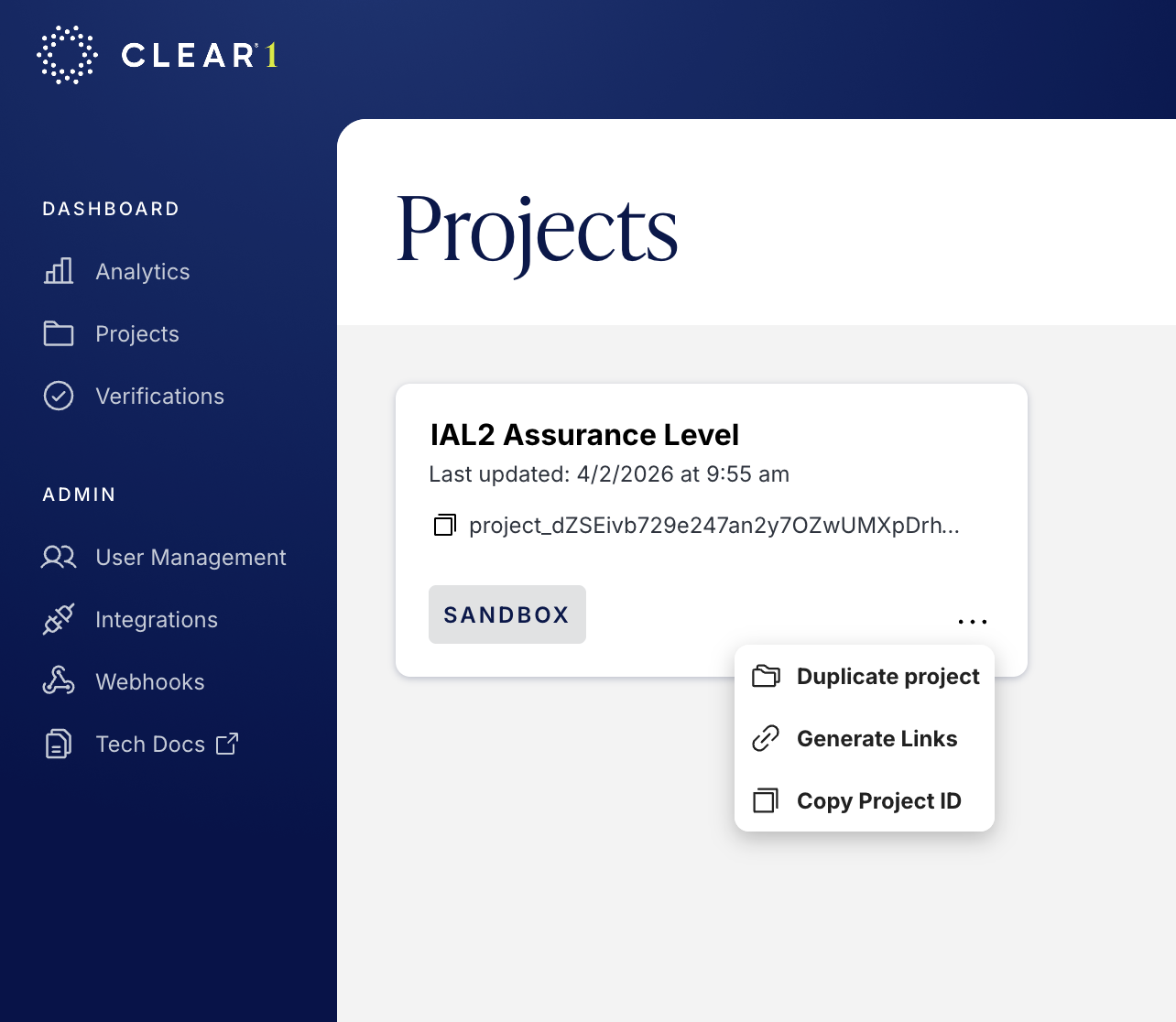
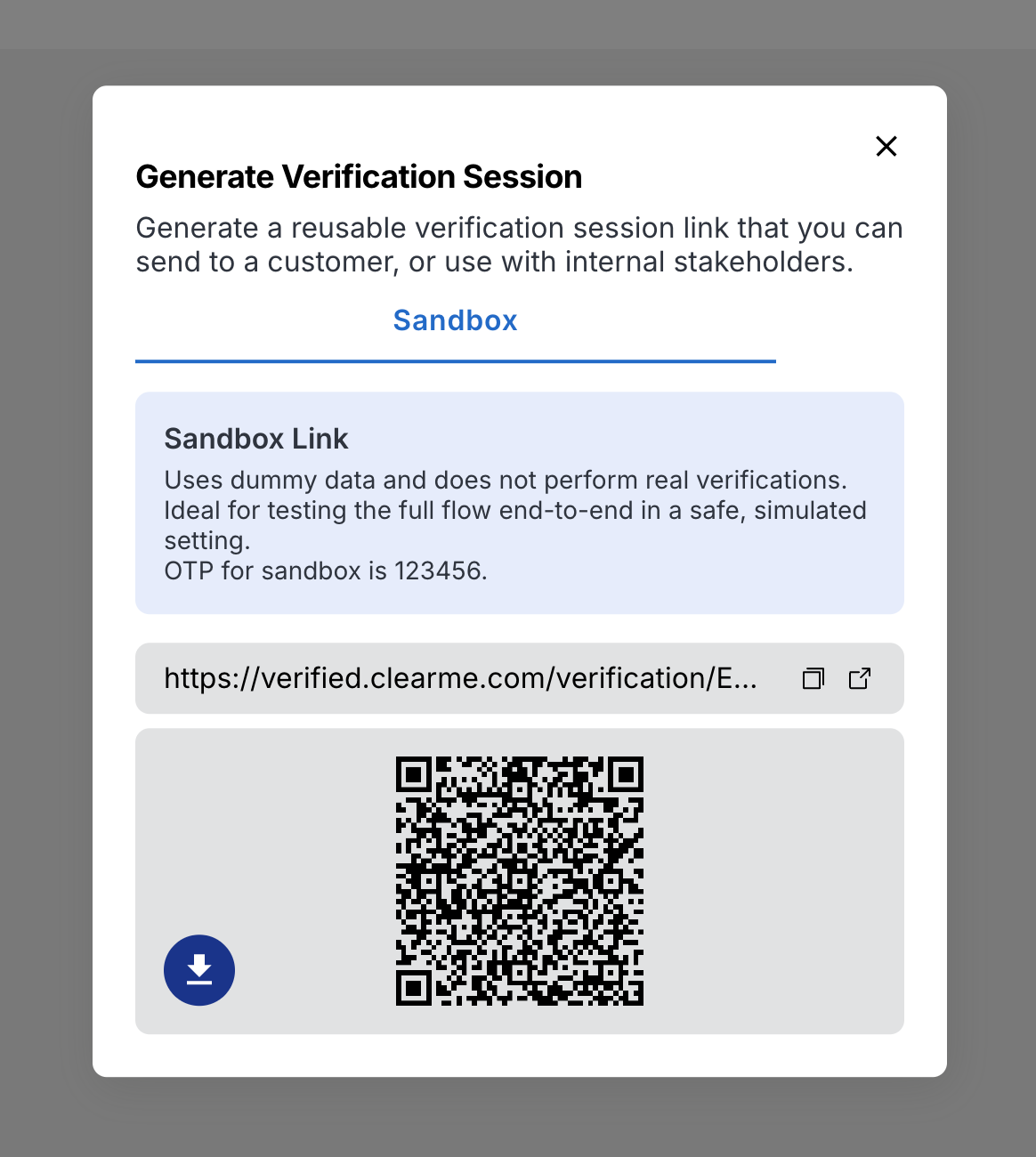
Reusable Link: Within the Project window, click "•••" and "Generate Links" to access the reusable verification session link or to scan the reusable QR code to start a verification session:
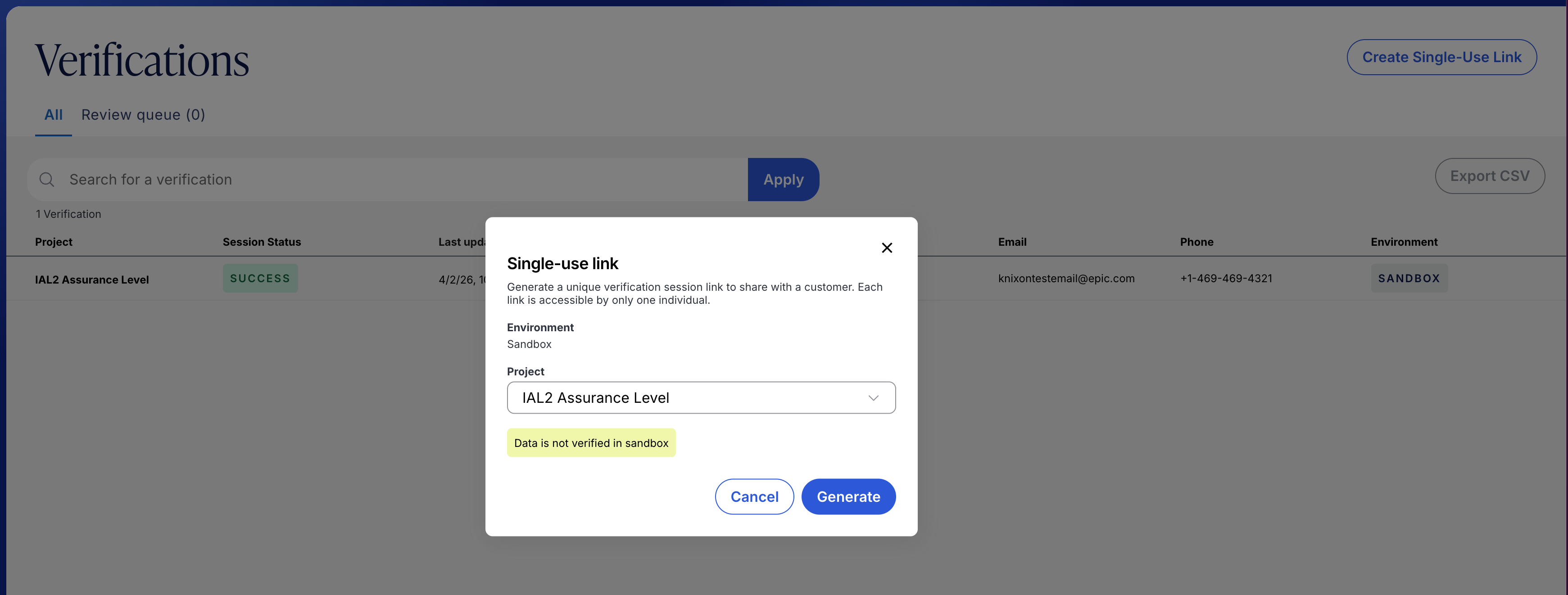
Single Use Link: Within the Verification window, click the "Create single-use link" button at the top right, select the desired Project, and then click "Generate" to create a single use link.
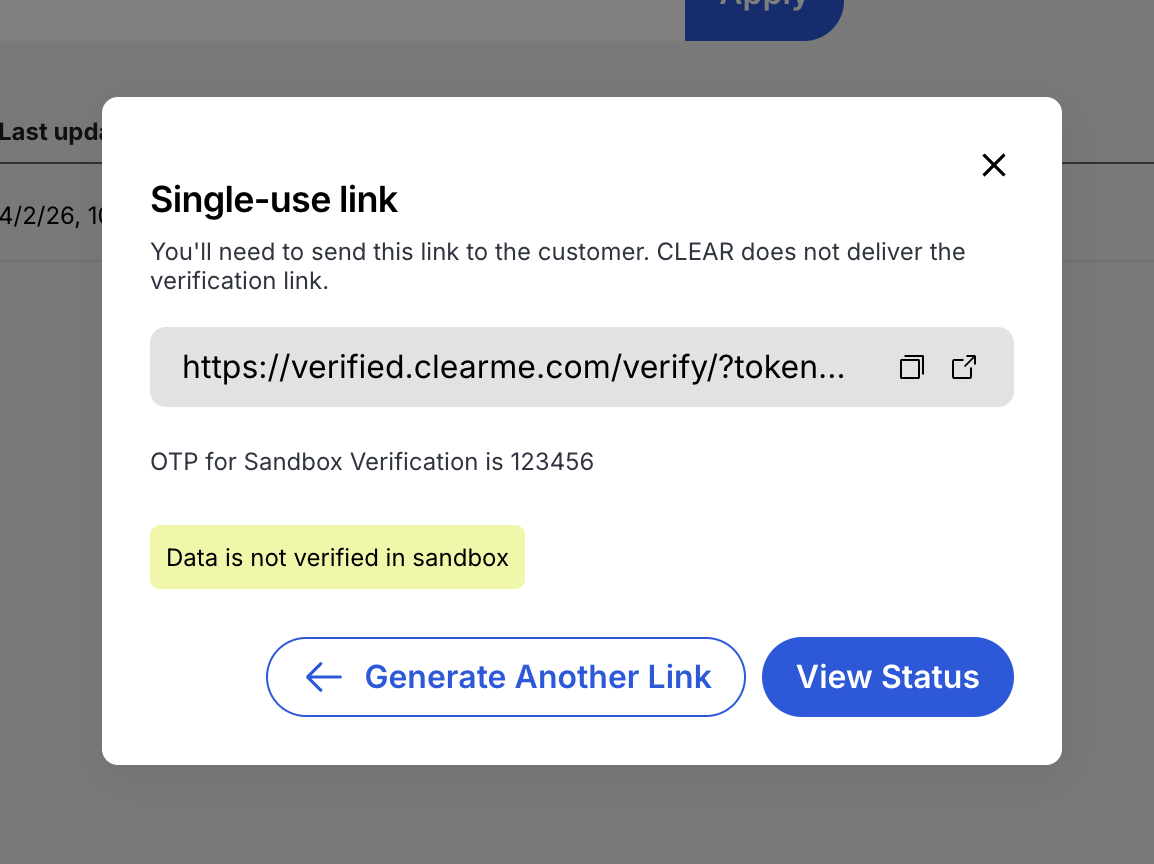
Select the Copy icon and then paste the URL in the desired browser, or select the Open icon to automatically open the verification session in a new browser tab.
First time verification: Try out the end user experience to see what the CLEAR flow looks like for users who are new to CLEAR and using it for the first time.
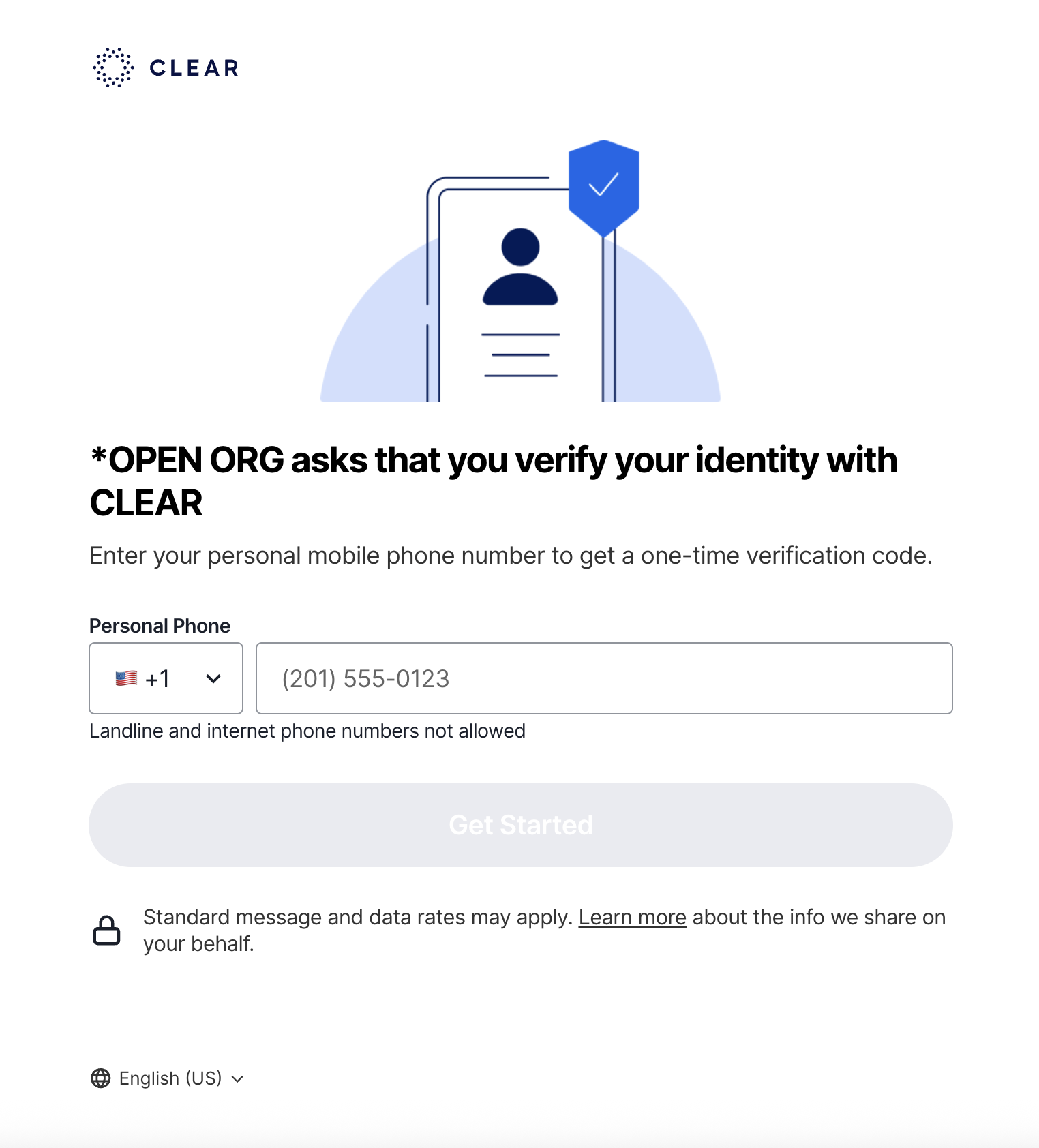
Return verification: After a user has been verified, CLEAR remembers that user and end users have a streamlined experience when they need to reverify across other use cases and at other partners. To demo a repeat verification please type the number: "408-222-2222" in the phone number screen after you have started a sandbox session.
In sandbox, no OTP code will be sent. Please use the generic code "123456" as the OTP code.
Sandbox Functionality & Limitations
Sandbox is designed for developers building with CLEAR's APIs so that they can model the end user experiences, and for business stakeholders to experience the same view that end users will go through. Sandbox is not designed to test live verification checks on actual identities.
Sandbox sessions by default return PII for a fake "John Doe" identity.
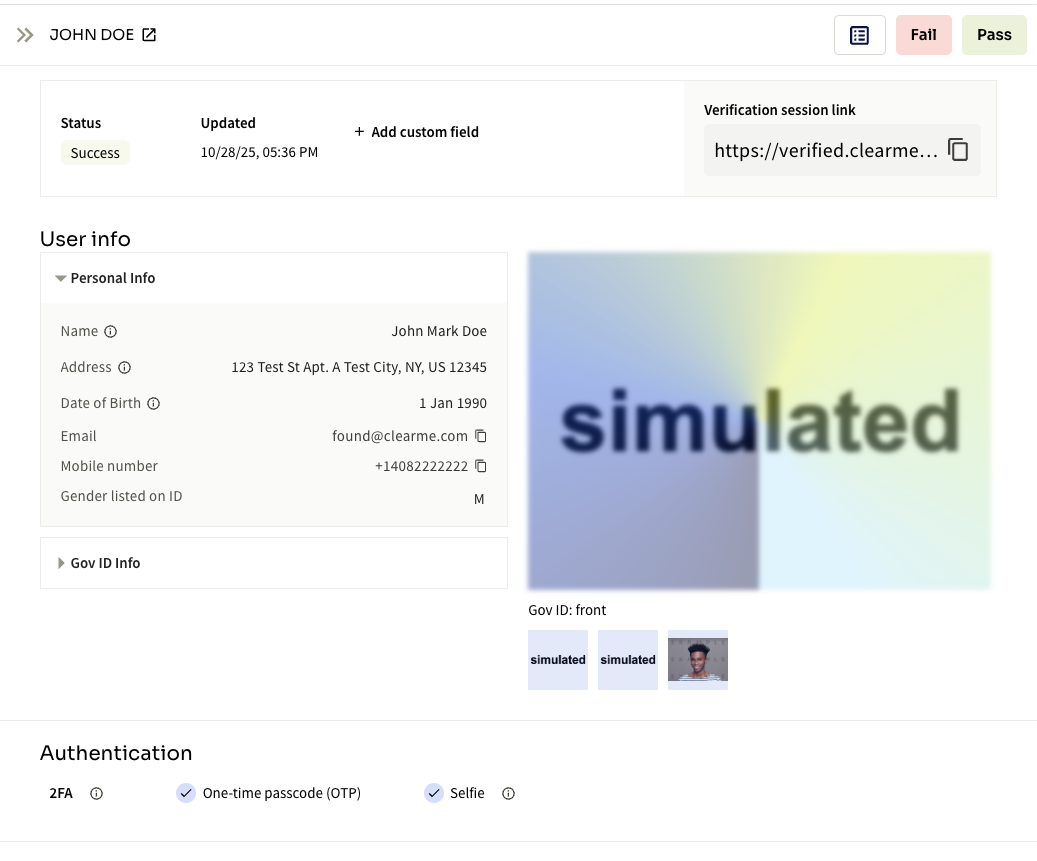
Sandbox sessions can also return synthetic identity information in the console and API responses. In the healthcare setting, these identities allow developers to retrieve synthetic medical records from third party systems.
- Sandbox enables developers to test first time and repeat verifications, change to project configurations, test no code verification links, see session details in the verification table, programmatically create and complete sessions through our APIs, and review, approve or reject failed verifications marked for manual review.
- End users are able to submit selfies and scan documents to mimic a production experience.
- CLEAR's Sandbox does not actually run live verification checks on those inputs.
- End users can "fail" certain steps as a way to mimic different end statuses of end user behaviors and results. CLEAR API responses will return the same patterns as production responses for successes and failures.
- CLEAR's Sandbox does not allow users to fail specific verification checks
- Users with an Admin role are able to test role based access control, by adding users and assigning data access and roles.
- CLEAR's Sandbox does not support SSO or SCIM integration.
- Developers are able to create API keys, generate client IDs and secrets, create sessions, retrieve results, and query for session lists.
- CLEAR's Sandbox does not support native integrations (e.g. Okta, Entra, Epic, etc).
To test different response payloads beyond the basic John Doe identity, CLEAR Sandbox also delivers synthetic identities. These synthetic identities are reusable within Sandbox mode, and enable integration testing across systems. For instance, using the verified CLEAR identity to retrieve test healthcare data from information networks (QHINs) with an IAS / HEAT token.
Sandbox Failures
Two primary paths exist to simulate failures and their integration responses in sandbox.
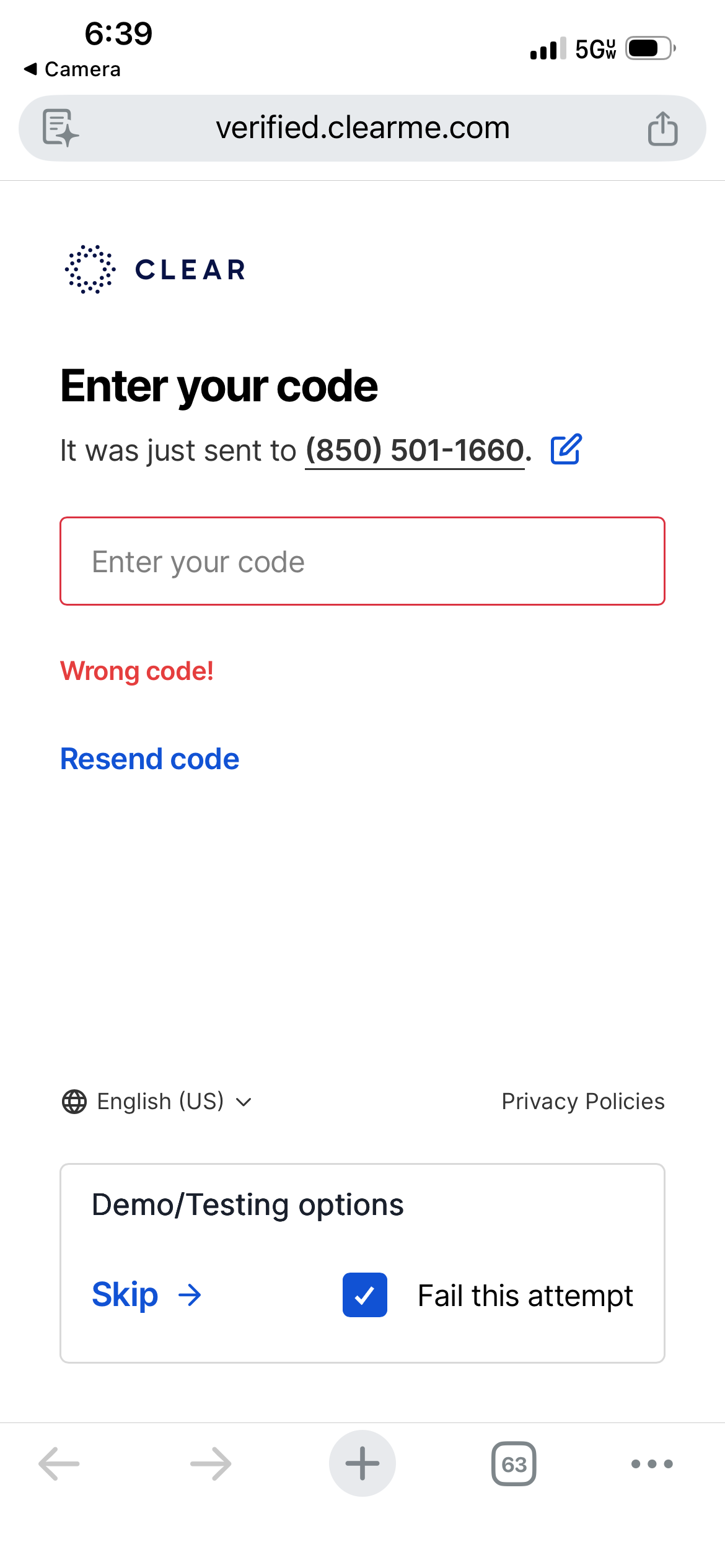
Authentication Failure - OTP Failure
Instead of entering the correct sandbox OTP of "123456", enter 5 incorrect OTP.
Verification Failure - Document Authenticity Failure
Enter a Phone Number in an acceptable format. Do not hit "Skip" or use a synthetic identity phone number.
Advance to the Document Capture page by entering sandbox data on each page, or by hitting "Skip".
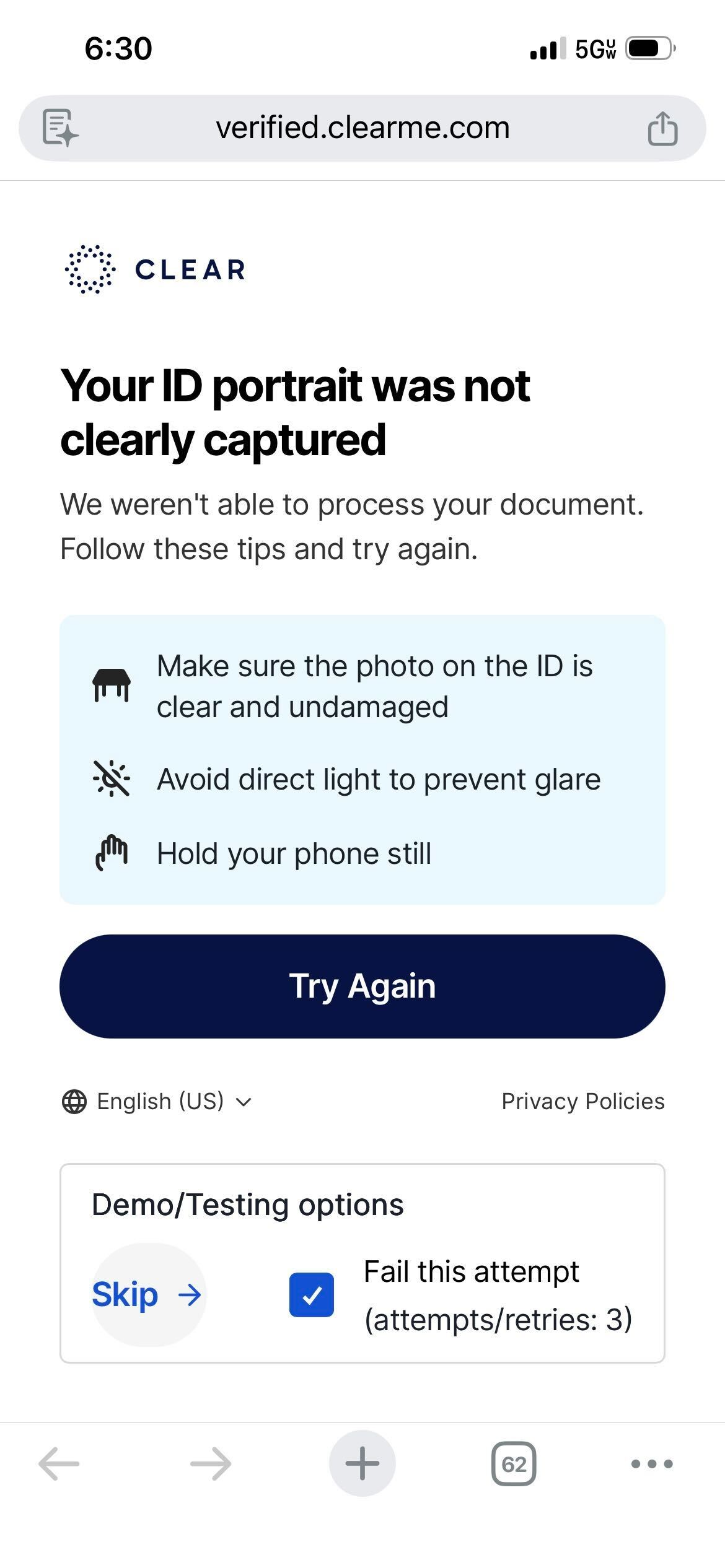
On the "Choose an ID to capture" page, check the box next to "Fail this attempt", and then hit the "Skip" button.
Continue hit the the "Skip" button with the box next to "Fail this attempt" check until the retries are exhausted.
Updated about 2 months ago