
Navigating The Verification Table
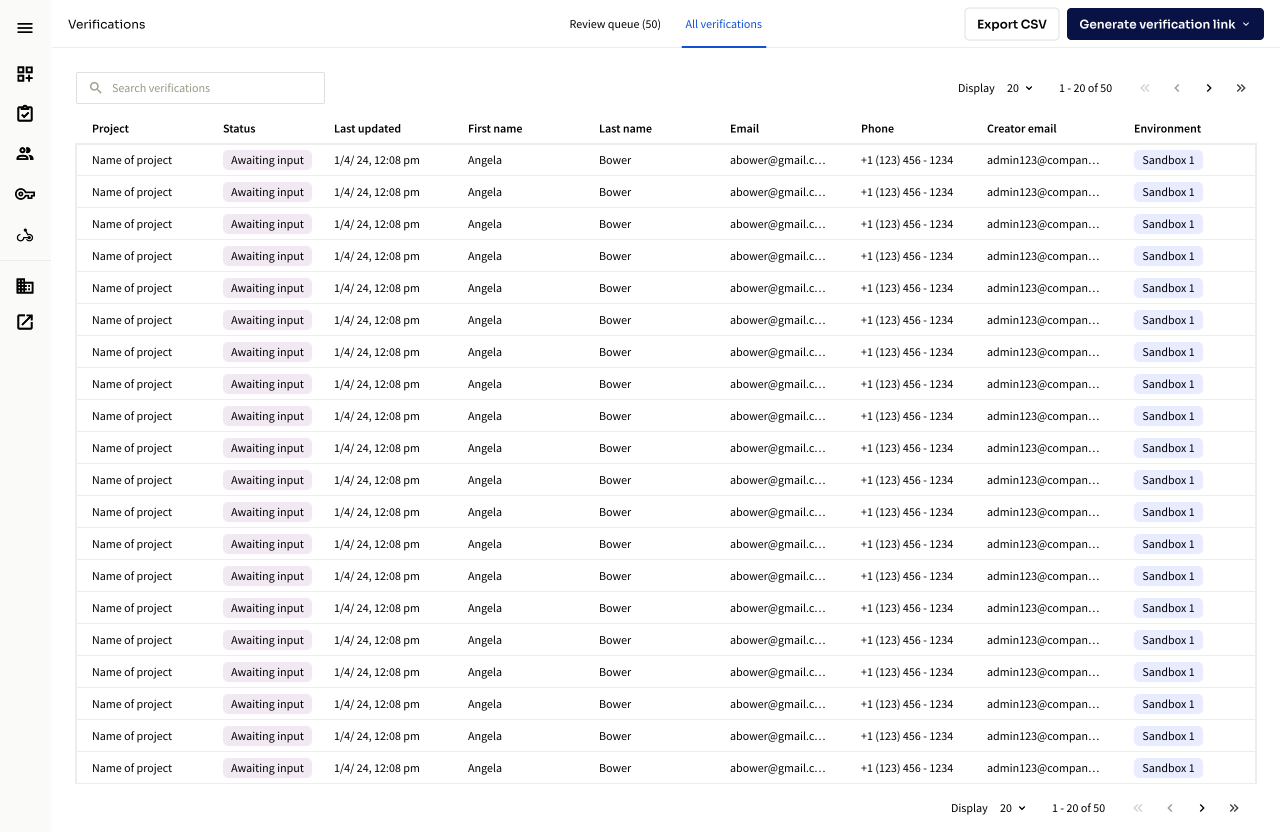
The Verification table is where you can view all verifications across all of your projects. Some of the functionality includes:
- Filtering by Project, Status, Last Updated, First Name, Last Name, Email, Phone, Creator Email, and Enviroment
- Reviewing the status of any verification. For more details please refer to Status Descriptions
- Obtaining a VerificationID for an individual verification session.
- Clicking into a row to learn more about a verification, view personal information, and perform deeper action if necessary.
Things to note
- The data in your verification table is accessible via API indefinitely, this means you can opt to store a verificationID for a user instead of storing PII in your application and fetch user data CLEAR when needed.
- When generating a verification session via API you will see the session appear as a row in your table.
- You can generate single-use verification links by selecting "Generate verification session" in the top right corner
Updated 3 months ago
Did this page help you?