
Glossary
New User
A new user is a user who is net new to CLEAR. This user might be expericing CLEAR through your use case for the first time. During this session, the user will consent to share their personal data with you and begin the first-time verification process, uploading exactly what's needed to satisfy your use case needs. After they submit their information we verify it against the requirements that you've configured in your CLEAR console.
Existing User
An existing user is someone who is a part of CLEAR's network. These users have entered in through either one of our many partnerships, sports lanes, or airport lanes. Existing users have their information stored on file. This means when they verify through your experience they will only need to upload information if its missing from their profile and required for your use case. Once they add the missing piece it is appended to their profile for later use. Users in our network consent to have their data share and stored so they can streamline their verification process across partners in our network.
Organizations
An Organization refers to the console that you manage all things related to CLEAR in. Your organization is where you will build projects, create verification sessions, review verification sessions, add users, generate API keys, and configure webhooks.
Projects
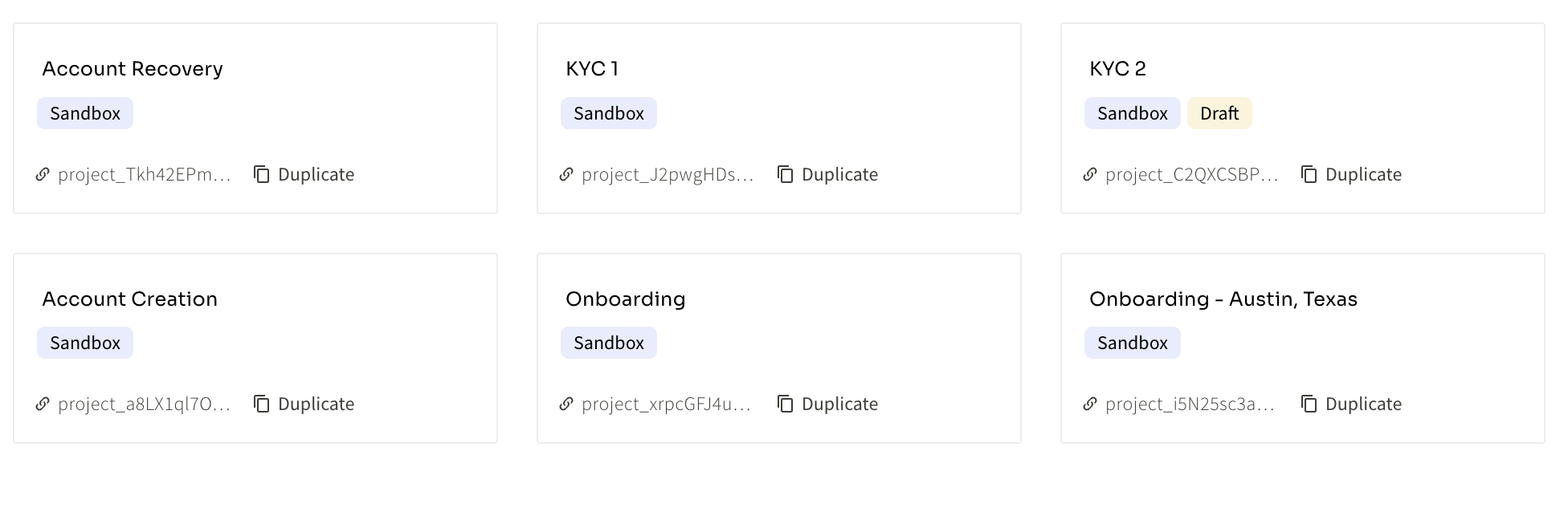
A project is a specific use case designed to fit your needs. Within a project you can configure the end user experience, required verification checks, the data returned to you after a verification, and whether or not the a verification check should affect the overall result of the verification.
Our partners can create projects for various use cases, geographies, or have multiple projects with a subtle variation to A/B test results.
Project ID
A projectID can be found within the project tab in your CLEAR organization. The projectID is a unique identifier that is utilized to create verification sessions via API and to differentiate each project in your organization.
Verification Sessions (Verification ID)
Each verification is tied to a unique verificationID. Here is an example: verify_nXy6FKedQtPVzil68fhlHkZku6r5j3aQ
These IDs:
- Are needed for to fetch user information via API: Please refer to our API Reference
- Can be referenced in your organization's verification table: If you use the verificationID in the verification table you can quickly find a users session and their information
- Can be stored in your application to refer to a users verification session: If you have the concept of a user in your application you can tie a verificationID to a user to signify a verified user
- Have the ability to be fetched indefinitely: If you do not want to store sensitive personal information you can store a the users verification ID and query CLEAR when personal information is needed
- Are used to dive deeper into a user's verification session: You can send a verificationID to CLEAR to dive deeper into a users session. Our team can use the ID as a reference point in our logs.
Authentication Factors
Clear requires a user to authenticate into a verification session. This is used for security and helps us add additional signal to ensure the user is who they say they are. Our partners have the option to configure one or all of the following authentication options:
- One Time Passcode
- Selfie Authentication (More information here Selfie Authentication)
- Passkeys
Updated 3 months ago