
Custom Fields
CLEAR sessions are able to be associated with a specific client identifier by leveraging Custom Fields. Once a custom field is associated with a session, subsequent GET /verification calls will include the associated custom_fields in the response payload.
Considerations
CLEAR does not recommend putting PII or other sensitive data in custom fields, and generally seeks to limit the number and size of custom fields added to sessions.
Example Flow
Clients can add a custom field to a session in one of three ways.
- When creating the session, POST /verification (create) by sending custom fields as input parameters
- After the session is created, POST /verification (custom fields) by sending custom fields as input parameters for a specific verification session
curl --request POST \
     --url https://verified.clearme.com/v1/verification_sessions/session_id_numbers/custom_fields \
     --header 'accept: application/json' \
     --header 'content-type: application/json' \
     --data '
{
  "custom_fields": {
    "newKey": "New Value"
  }
}
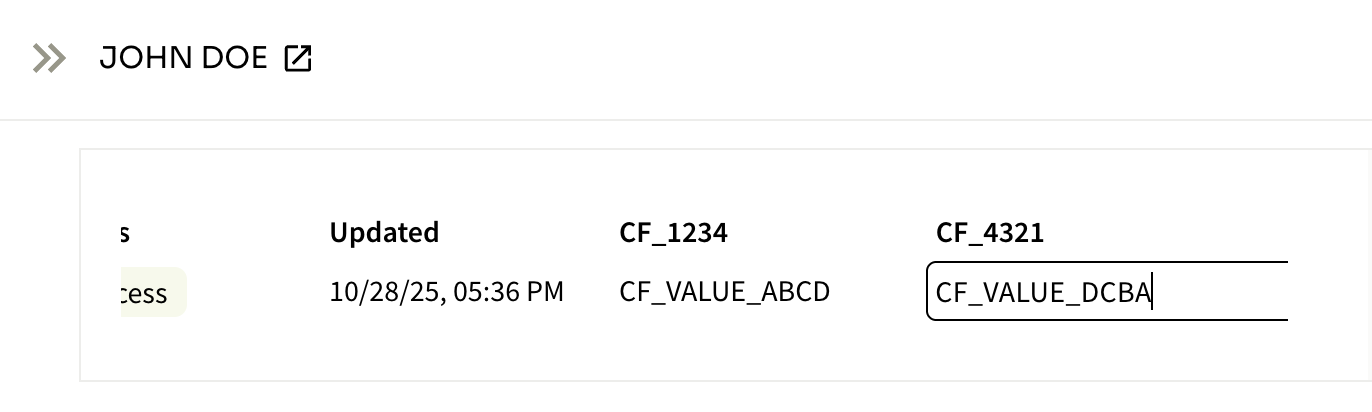
'- Manually adding custom fields through the admin console for a specific verification session
Updated 3 months ago
Did this page help you?