
Project Creation
CLEAR provides access to a console where you can create projects, view verifications, add users to review sessions, and manage your entire CLEAR deployment.
Projects
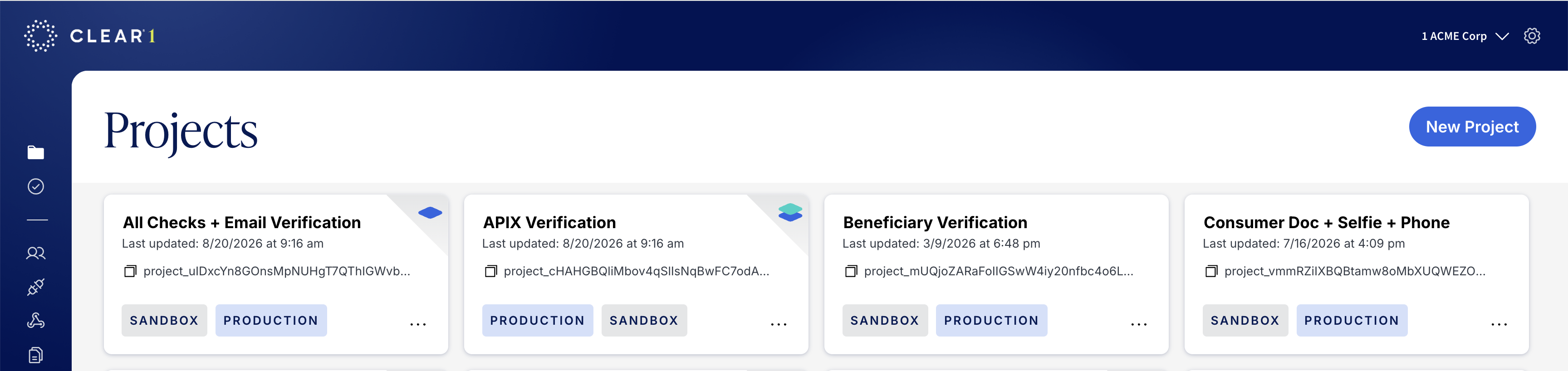
Each project represents a specific set of verification checks and rules that define what an end user will experience and the level of verification rigor. Within the main project pane you can:
- View All Projects: See all your organization's projects at a glance.
- Create & Duplicate Projects: Easily create new projects or duplicate existing ones to clone a previously established user flow.
- Find your ProjectID: Each project has a unique projectID associated with it. This is needed to utilize our APIs.
Creating a project
- To create a new project first select the New project button in the top right corner of the project view.
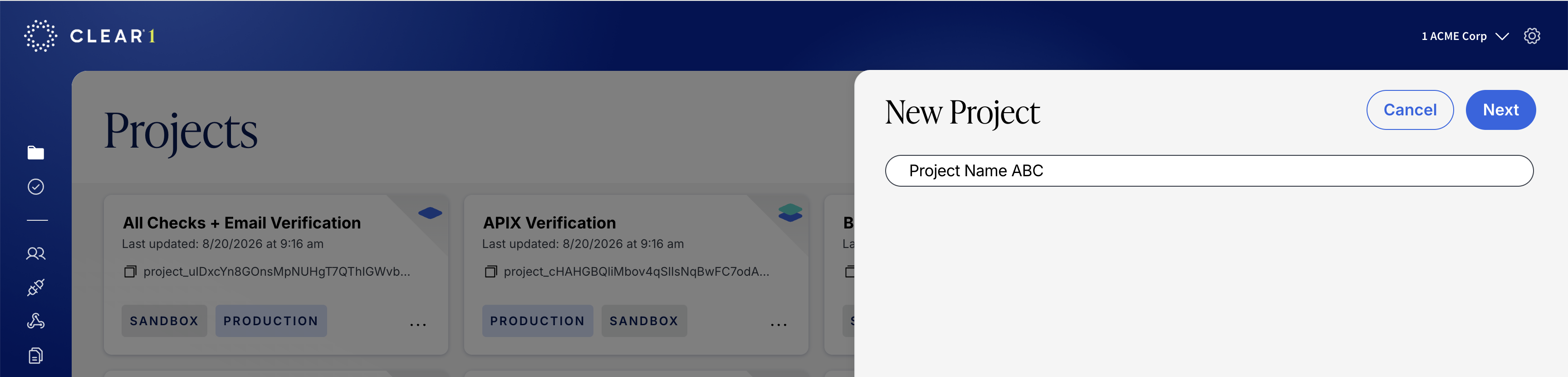
- Give the project a unique name and hit "Next". This can be changed later.
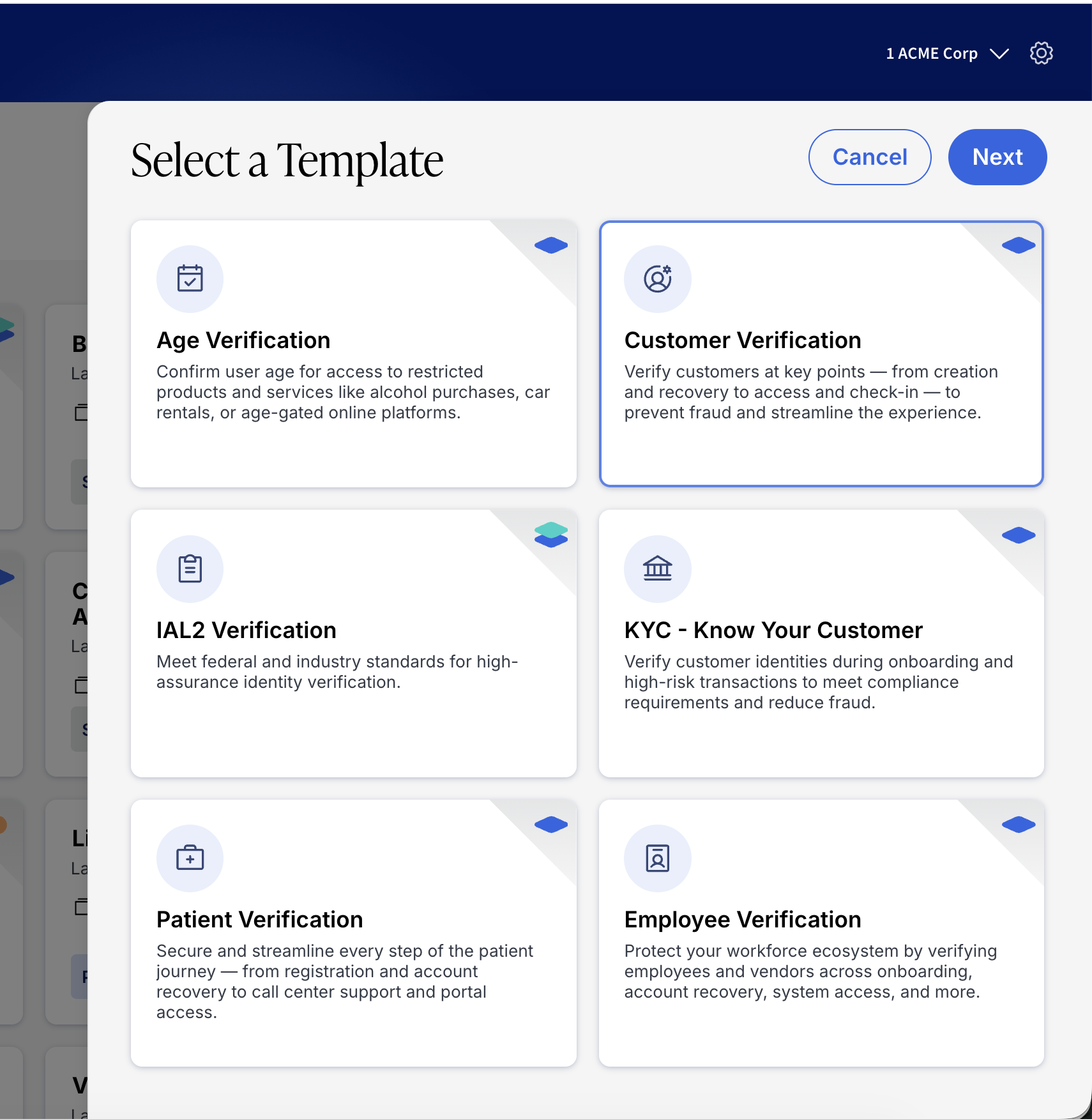
- Choose the template that most closely maps to your desired use case (Age, Patient, Customer, Employee) or assurance level (IAL2, KYC).
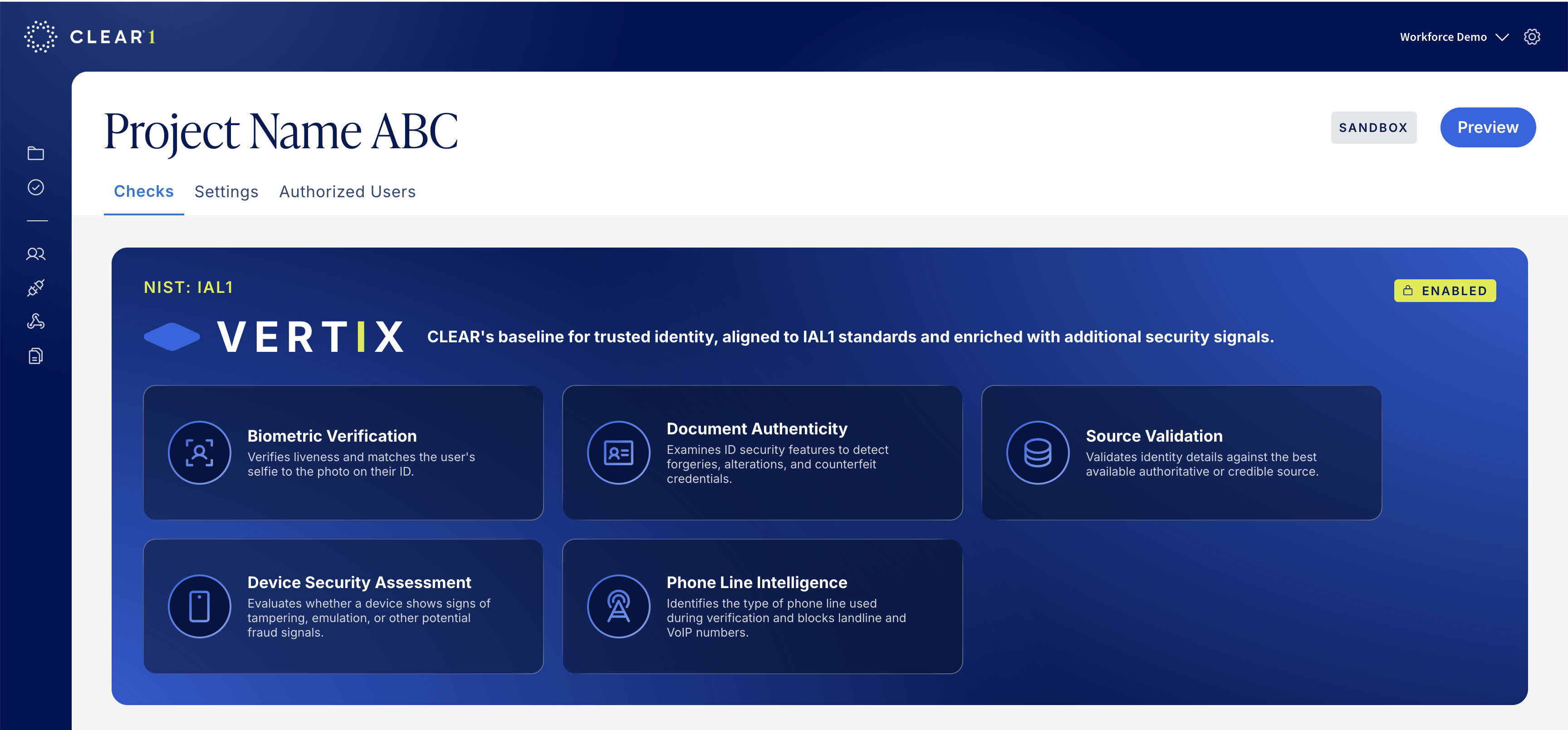
- With that you have deployed the new project in Sandbox mode.
Updated 6 days ago
Did this page help you?